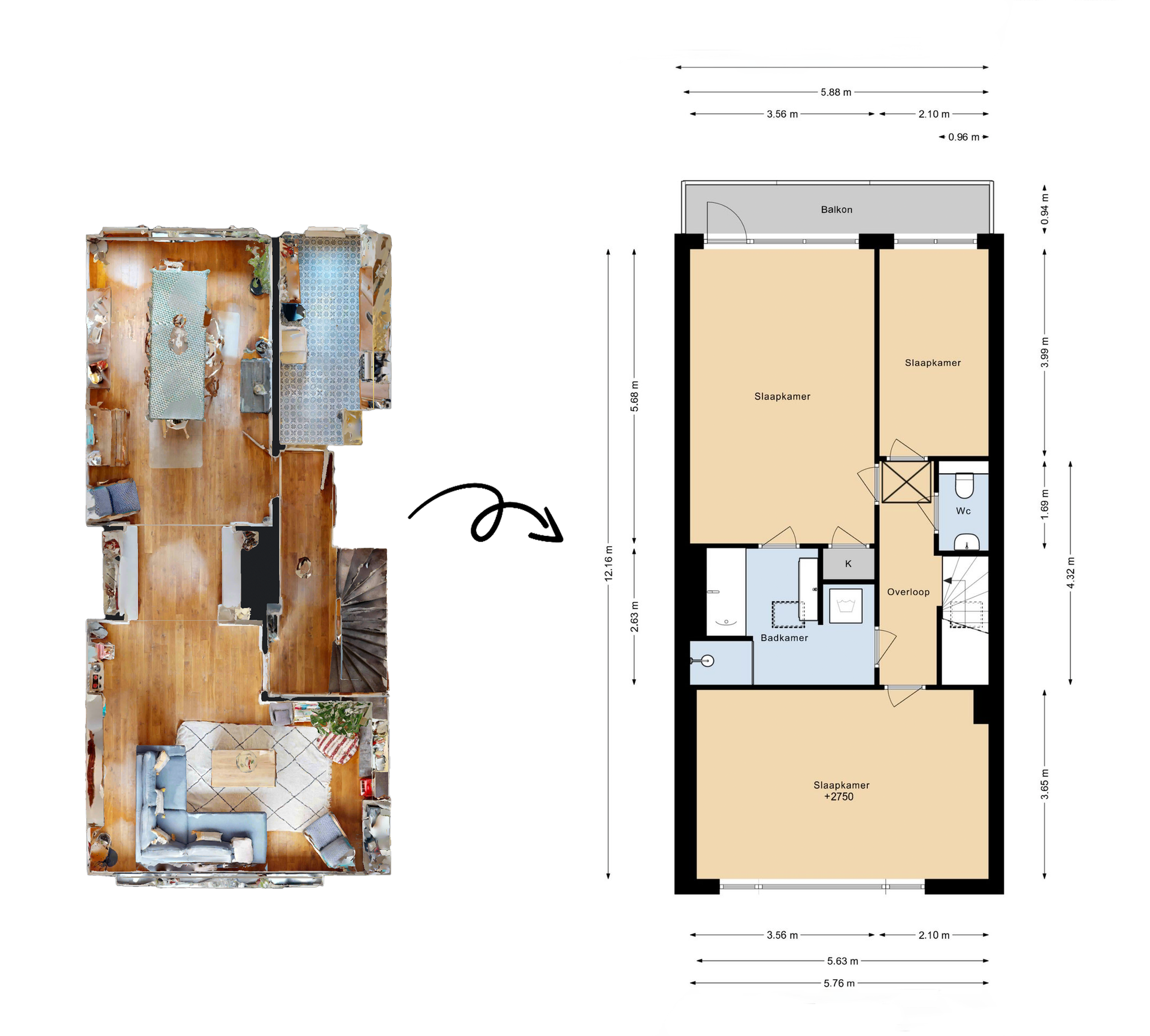
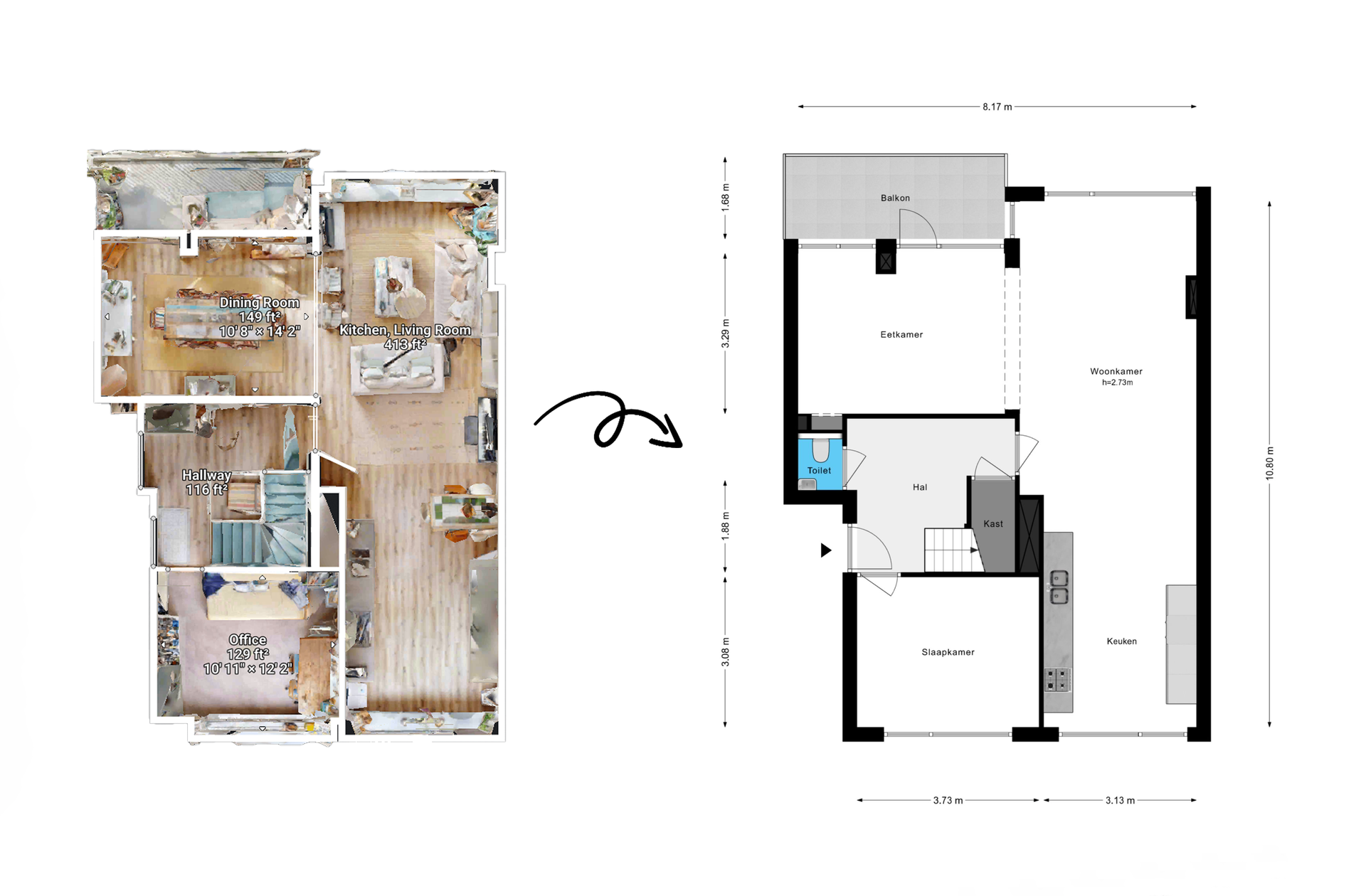
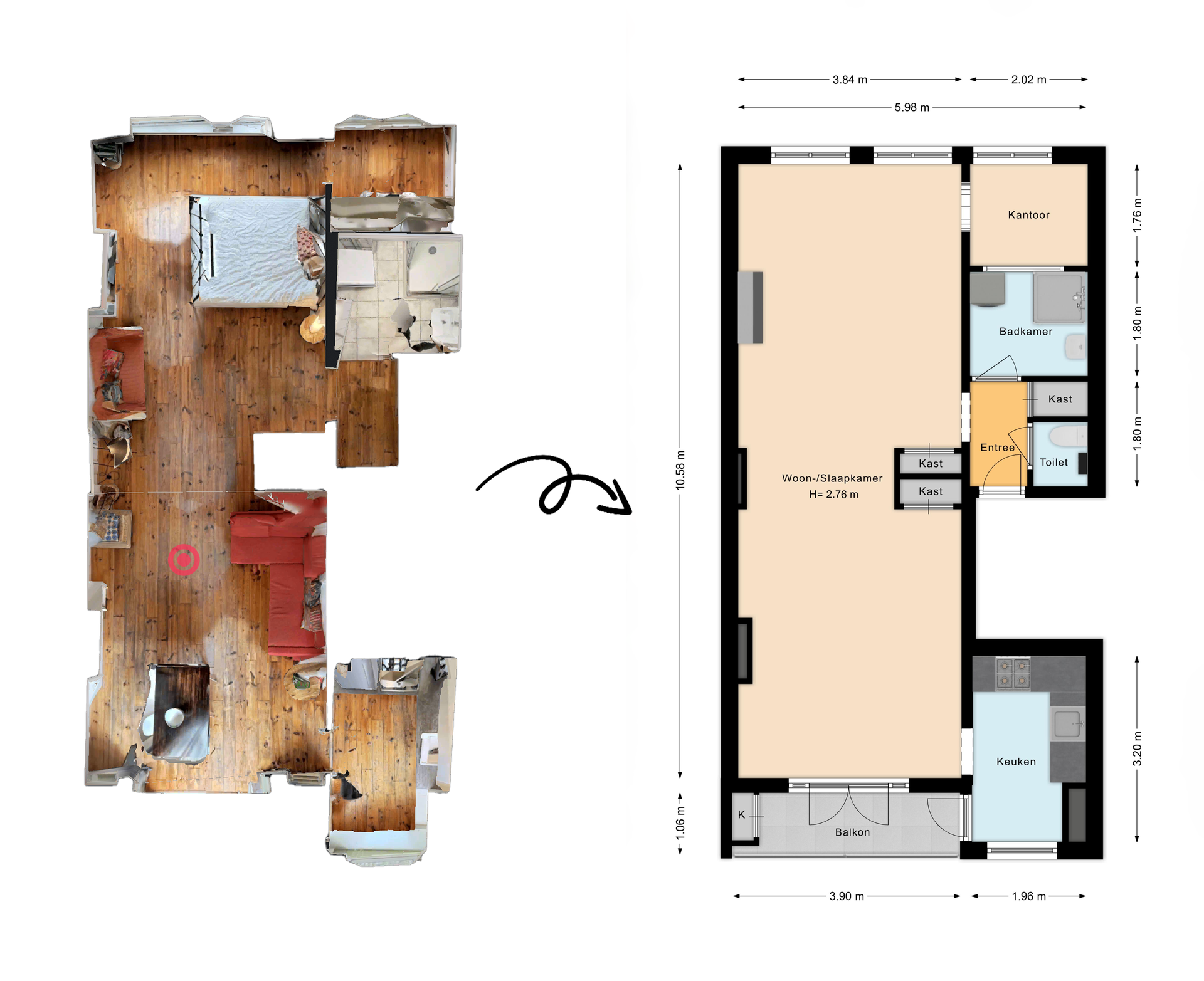
What this deliverable is best for
Use cases
- Listing packages that benefit from a 3D context preview
- Documentation packs where a quick spatial overview helps review
- Teams that need a consistent 3D-style visual across a portfolio
What we standardize (so dollhouse visuals stay consistent)
To avoid “one-off” visuals, we lock these decisions into your style rules:
- Cut line / slice height: consistent cut through walls for readability
- Camera angle: fixed perspective so outputs match across properties
- Line style: consistent edge definition and outline weight
- Material/finish: neutral, clean look (or your preferred palette)
- Labeling: minimal labels only when required
- Export framing: consistent padding, background and orientation
(If you already have a preferred style reference, we match it.)
Inputs (what to send)
We draft dollhouse outputs from your provided information. Typical inputs include:
- 2D plan linework or structured plan data
- Sketches/measurements that define room layout
- Style reference (preferred dollhouse look)
- Required views (single level, multi-level or selected areas)
Helpful (optional)
- Example output you want us to match
- Branding rules (background, title placement, color constraints)
Deliverables (typical)
Depending on your workflow, you may receive:
- Dollhouse/isometric visuals in JPG / PNG / PDF
- Multi-level sets where applicable
- Combined export pack alongside 2D plans (if requested)
Standards: BBMI / NEN 2580 supported (when required)
Batch consistency (what matters for volume)
For teams producing many properties per week/month, we keep:
- The same camera/perspective rules across the batch
- The same export framing and resolution
- File naming and folder structure aligned to your delivery SOP
Samples